Tell your story
- Turn an idea into a story
- Prepare a video from your text
- Create a complete AI film
- Bring your characters back in each episode
- Let several voices talk together
YOUR FIRST VIDEO STARTS HERE
A thirty-second clip or a full film: the length of your video no longer has a limit.
Start your channel, tell your stories or introduce your products. A physical product, course, digital product or service: create videos that make people want to learn more, even as a beginner.
50 free credits at signup, no bank card required
A story, a film, an advert, a cartoon: bring your ideas to life and imagine what you could create for your own project.
Every piece above came out of the platform.
ALL IN ONE PLACE
YOU DO NOT HAVE TO KNOW EVERYTHING
Start with a topic you enjoy. The writing tool helps turn it into text you can review and adjust.
Find my starting pointTell your story with images and a voice, or let a character present your text.
Explore charactersDoes your idea need more than a few seconds? Combine scenes, images and narration to build a complete video.
Explore automatic editingALWAYS KNOW YOUR NEXT STEP
Pick a topic or bring your text. You have a starting point.
The images and the voice that tell your story are prepared for you. Before you launch each creation, the number of credits it costs is displayed.
Assemble, watch and download your video. Then choose where to publish it.
Share what you love and start building an audience.
Give a voice and images to the stories you want to share.
A physical product, course, digital product or service: showcase your offer to explain its value and encourage people to discover it.
THEIR EXPERIENCES
I used to make one narrative video a week, now I make four. The script → scenes → voice-over flow is incredibly smooth.
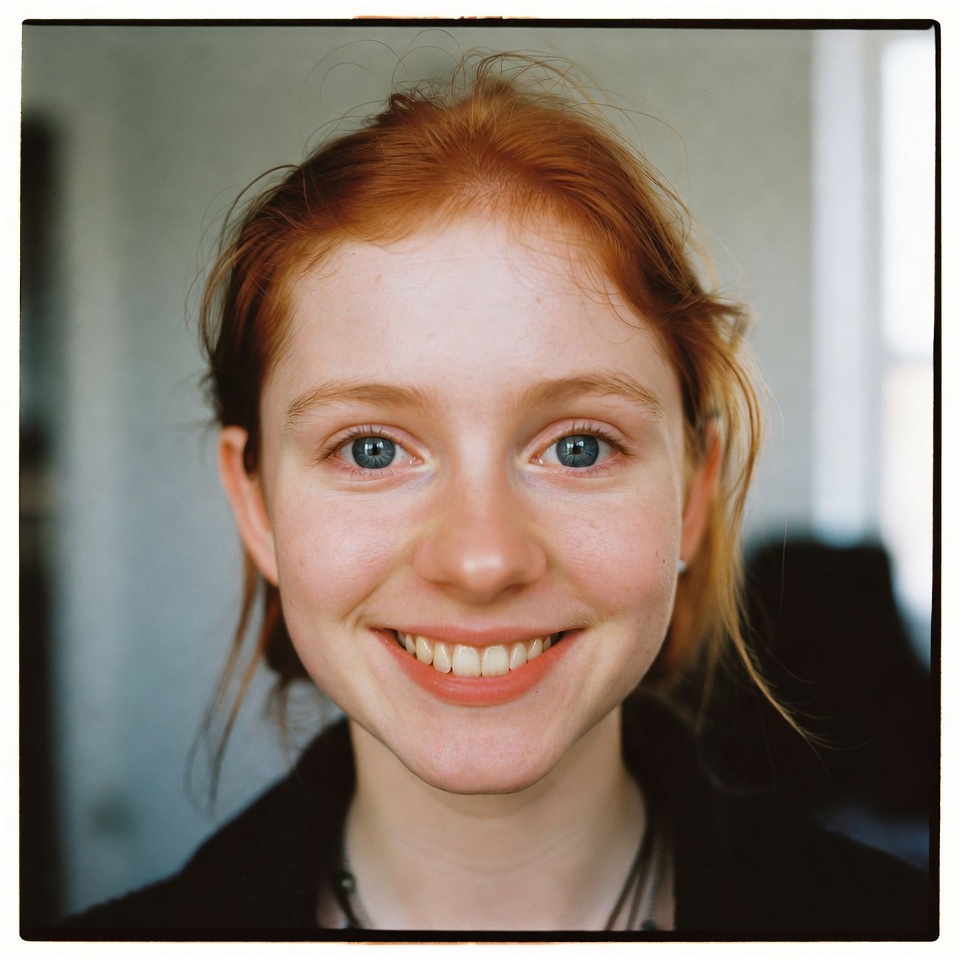
Marie L.
YouTube creator
We run 12 client channels on EasyVids. The Auto mode generating every scene in parallel saved us entire days.
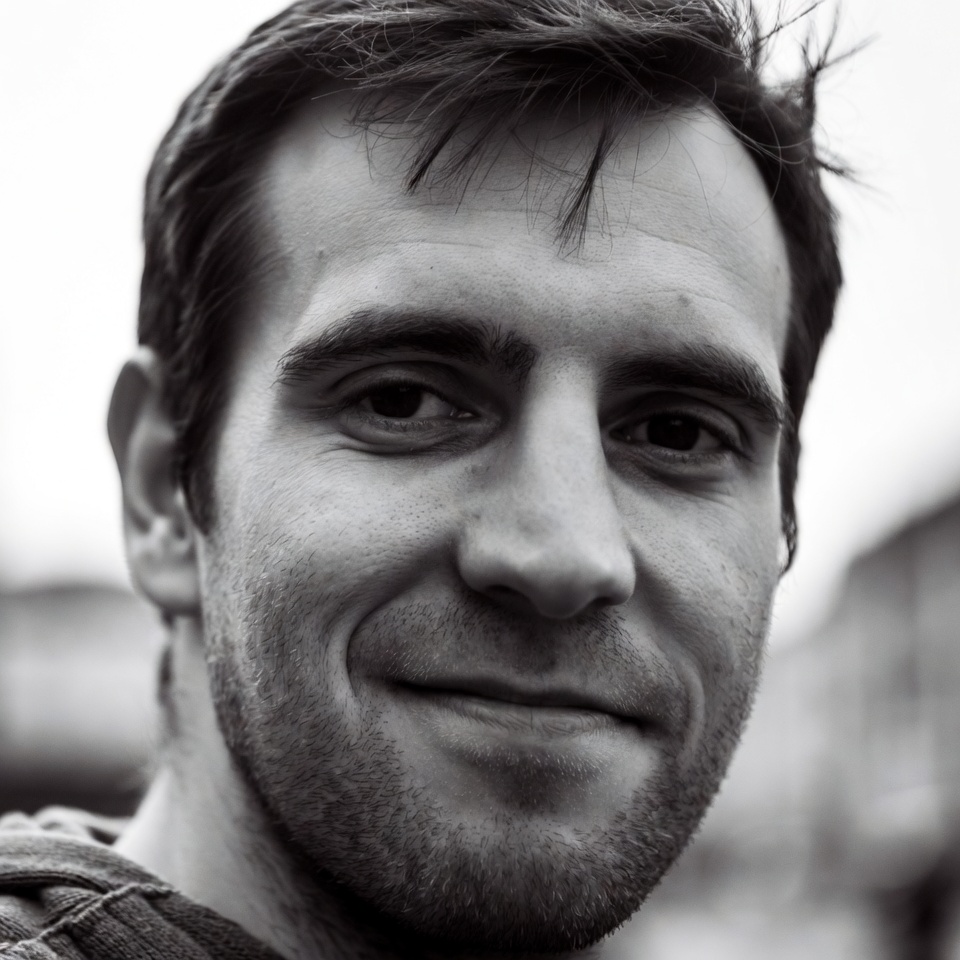
Thomas B.
Content agency
I generate all my voice-overs on EasyVids. Even my longest scripts come out as one clean audio file.
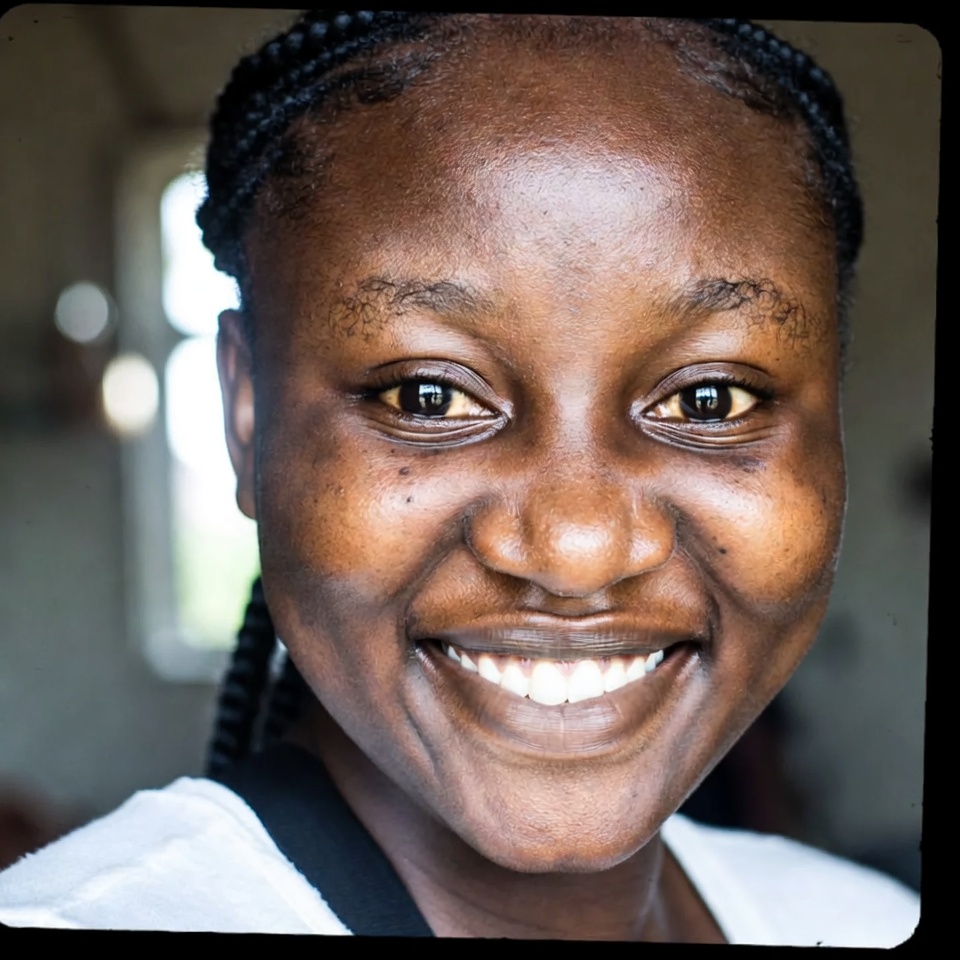
Aïcha K.
Storytelling channel
Automatic editing syncs every visual to the voice-over. Exactly what my training modules needed.
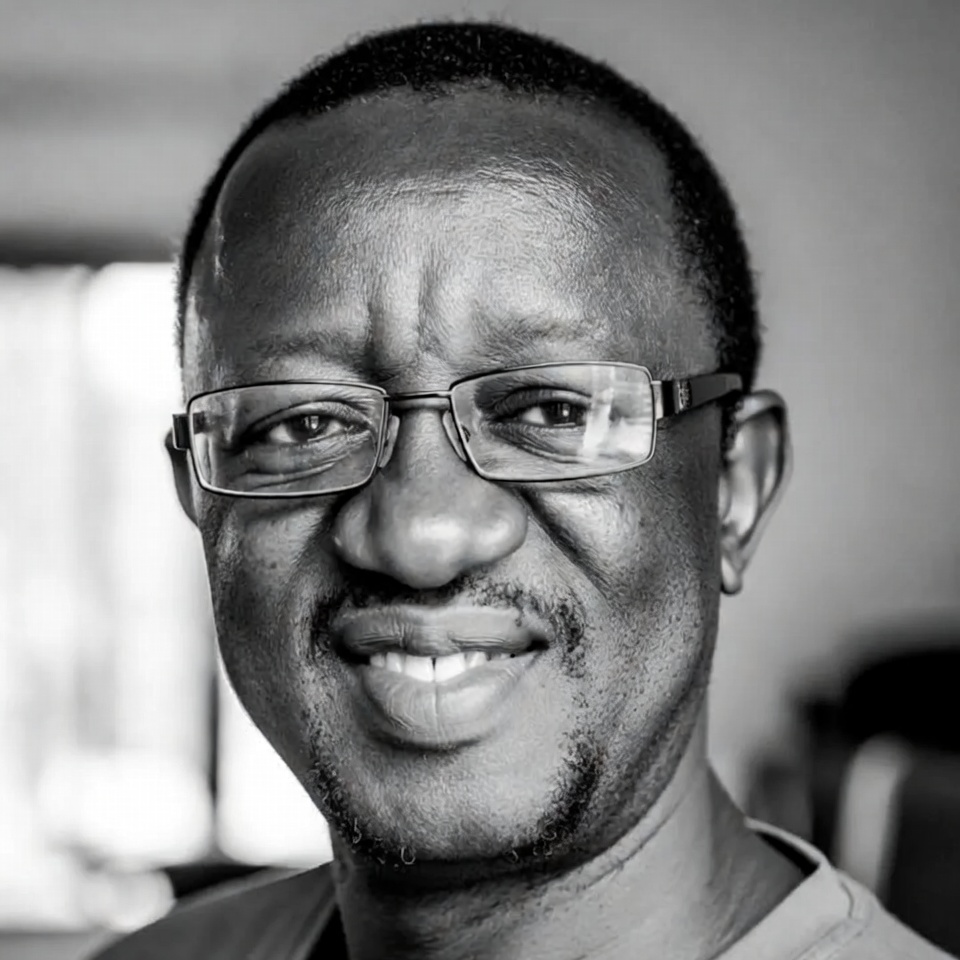
Emmanuel O.
Online trainer
The generated thumbnails really get clicks. I pick the style and emotion, add my text, done in a minute.
Camille D.
Community manager
No API keys, no technical setup. I tell the story, it generates. That is the promise, and it delivers.

Yannick T.
Short documentaries
AT YOUR OWN PACE
Try it, discover what you enjoy creating, then choose a budget that suits you.
For your first attempts.
$0
50 free credits at signup
About 12 Veo 3.1 Fast clips of 4, 6 or 8 seconds to try
Veo 3.1 Fast: 4 credits per clip.
To start publishing.
$15/ month
500 credits each month
Each month, choose approximately:
Veo 3.1 Fast: 4 credits per clip.
To publish more regularly.
$32/ month
1,200 credits each month
Each month, choose approximately:
Veo 3.1 Fast: 4 credits per clip.
To work on more projects.
$49/ month
2,000 credits each month
Each month, choose approximately:
Veo 3.1 Fast: 4 credits per clip.
Choose Veo, Kling, Seedance, Hailuo, Grok or Wan for videos, and Nano Banana, Grok Image, GPT Image, Seedream or Flux for images.
These estimates show what you can create when you spend all your credits on one type of content. The quantities cannot be added together: videos, images, voices and music use the same balance. They use economical options; voice duration assumes about 1,000 characters per minute. The credit cost of each creation is shown before you start it.
Yes. You can prepare short videos as well as long films. Short clips are combined into a complete video. The number of creations needed and your credit balance determine the project budget.
Yes. Prepare your story with “Create an AI film or ad”. Character and setting references help preserve their appearance throughout the film. Then add voice, music and editing.
Yes. Create a voice-over in an available language, using a listed voice. Add story images and automatic editing assembles them to the rhythm of the narration.
Under the EasyVids terms of use, your creations belong to you within the rights granted by the models used. You can use them for your business. You must also have the rights to photos, voices and other content you provide.
Yes. The payment page offers Visa and Mastercard. Choose a plan and check the amount before confirming payment.
Yes, from My account. Under the terms of use, cancellation takes effect at the end of the paid period. You keep your projects and remaining credits.
Yes. Signup gives you 50 credits without a bank card. The credit cost of each creation is shown before you start it. Automatic editing and the editor are included.
Take the first step today. Start with your free credits, then choose your pace.