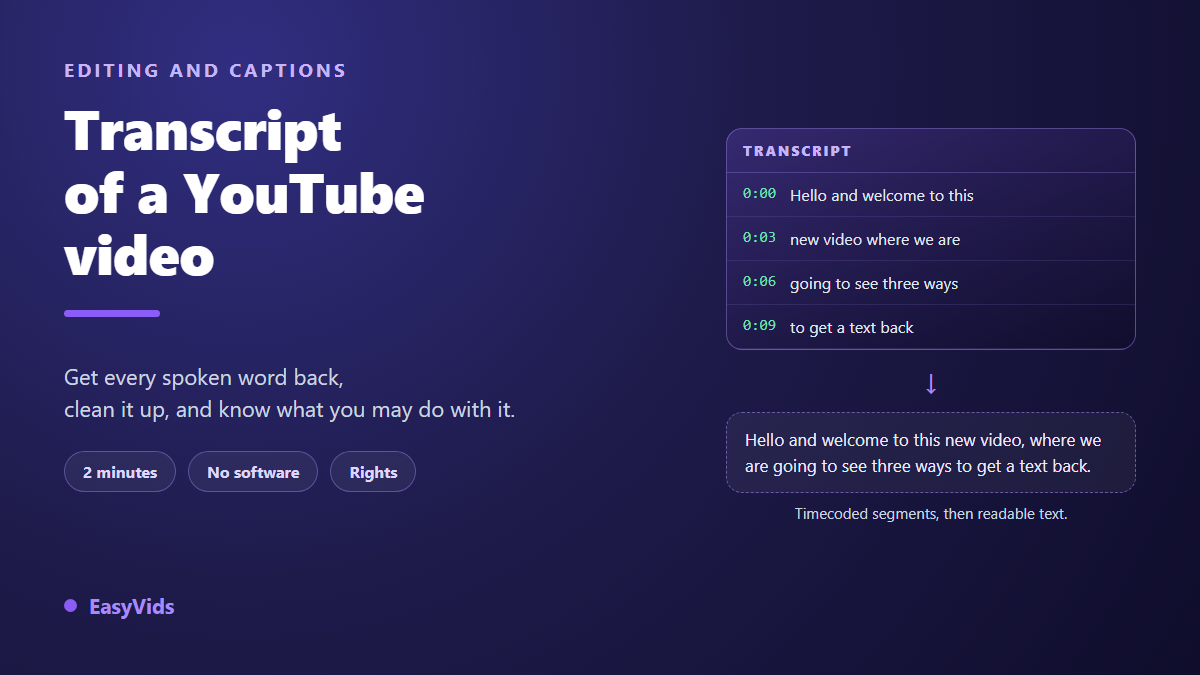
A video holds the exact thing you need: a method, a figure, a sentence you want to quote. Getting the words out is another story. Replaying the video while typing alongside it burns half an hour for ten minutes of footage, and half the phrasing gets lost on the way. Yet the transcript of that YouTube video already exists, written out, in a panel most viewers have never opened.
That panel solves half the problem. The other half starts the moment you paste: the text arrives in fragments of a few words, with no punctuation and a timestamp glued to every line. Some videos show nothing at all. This guide covers all three cases, fastest first, then sets out what you may legally do with the text. If your real need is the reverse, our guide to automatic captions approaches the same tools from the creator side.
The short answer
On desktop, open the video, expand the description, then click the button that shows the transcript. According to the YouTube help centre, that button sits under the description, and the text opens in a panel beside the player. The panel menu lets you hide the timestamps. Select the text, copy, paste. Two minutes, nothing to install.
Where the transcript lives, screen by screen
The path differs by device, which is where most people get stuck. On desktop everything happens under the video. In the mobile app, the option sits inside the description panel when it is offered at all. The desktop route below gives the fullest text in the least time.
- Open the video and click the description to expand it fully.
- Find the show transcript button at the bottom of that description.
- The panel opens beside the player, one line per spoken moment.
- Use the panel menu to turn timestamps off and get continuous text.
- Select everything in the panel, copy, then paste into a document.
Two habits save time. The panel follows playback, so clicking a line jumps to that moment: it is the safest way to check a quote before publishing it. And when several caption tracks exist, a selector at the top switches between them. Machine translated tracks are less reliable than the original, so quote from the language actually spoken.
When the transcript button is missing
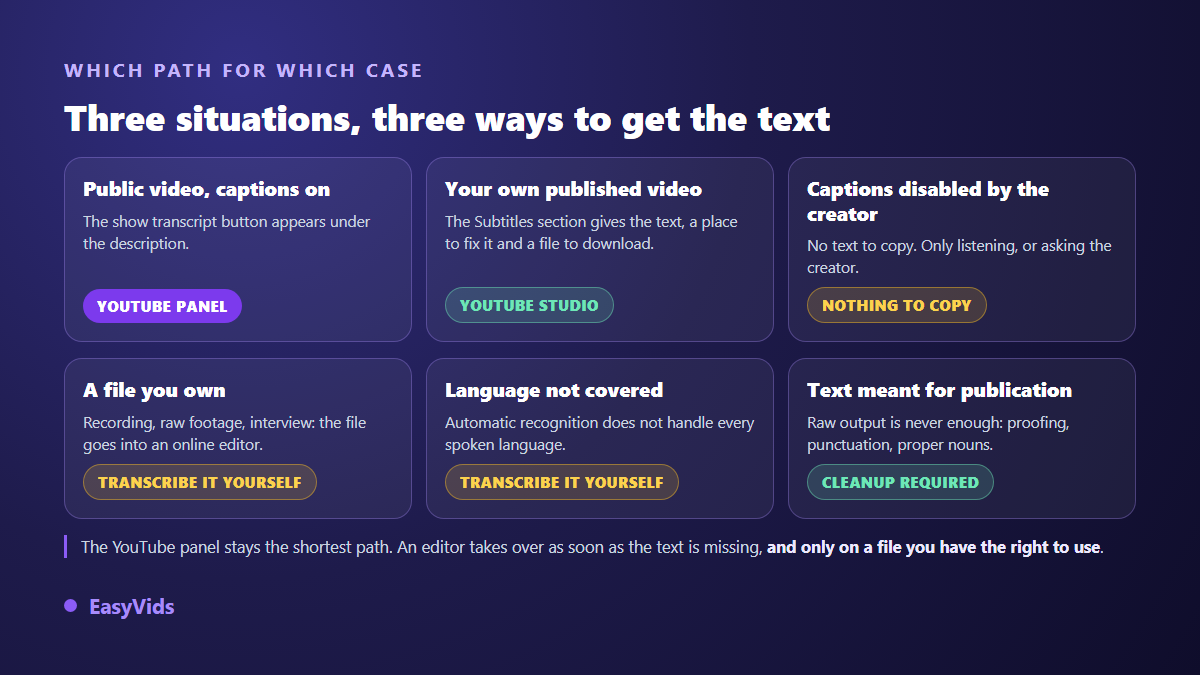
That button is never guaranteed. It exists only when the video carries captions, either uploaded by the creator or produced by the platform's speech recognition. The YouTube help centre states that automatic captions do not cover every language, and that their quality depends on recording clarity, background noise and pronunciation.
- The creator disabled captions, on the channel or on that single video.
- The spoken language is not one that automatic recognition handles.
- Music covers the voice, so recognition produces nothing usable.
- The video went live minutes ago and automatic captions lag behind.
No trick will reveal text the platform never generated. Two honest routes remain: ask the creator, who will often share the script for a quote, or transcribe a file you already hold and have the right to use.
Pasted text is not finished text
Disappointment arrives at the paste. A raw transcript is a stream of short fragments, sized to fit two lines on screen rather than to be read. Capitals are missing, punctuation too, filler words survive intact, and proper nouns come out phonetically. The text is broadly faithful, and the few errors are exactly what readers notice.
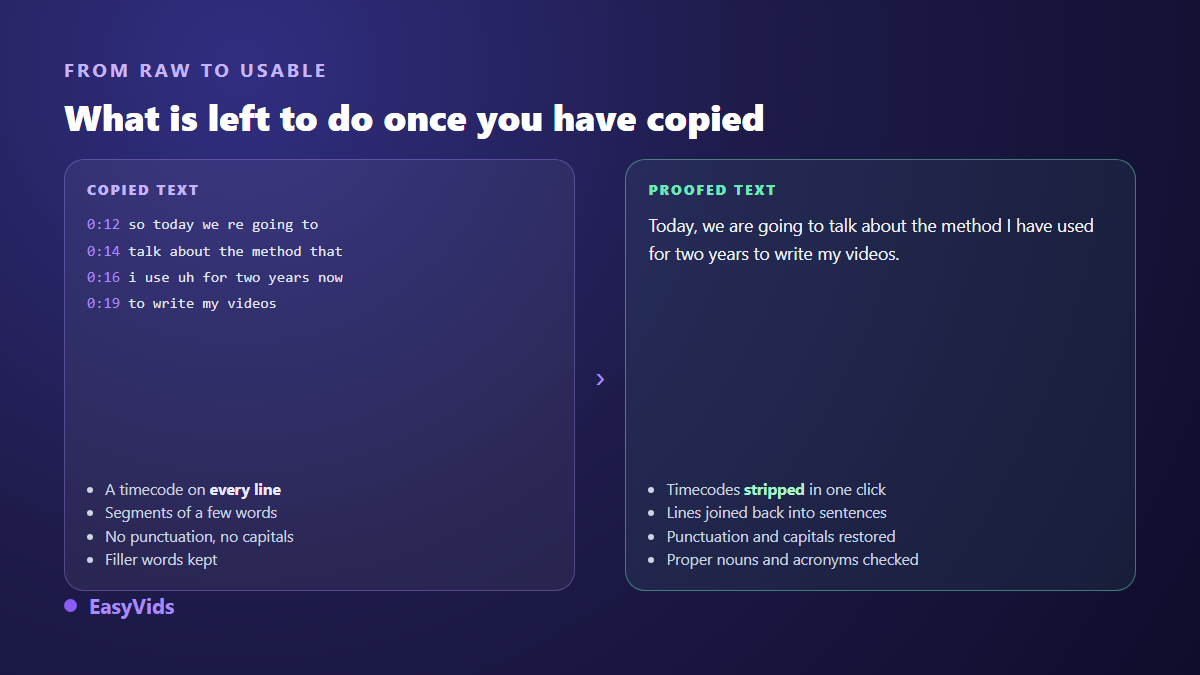
Four moves are enough. Strip the timestamps, in the panel or with a find and replace. Join the fragments back into sentences. Add punctuation, which carries as much meaning as the words. Then check proper nouns, acronyms and numbers, the only places where a recognition error changes the substance. A writing assistant speeds up the first three, never the fourth: it invents plausible names too.
Transcribing a file you hold
When no transcript is offered and you have the file, a meeting recording, an interview rush, your own edit, the work moves into an online editor. In the EasyVids editor you import the file, drop it on the timeline, then open the Subtitles panel. One button transcribes the soundtrack, and the text comes back as short timed segments you can correct by hand. Everything runs in the browser, with nothing to install.
The panel offers automatic language detection or a choice of nine languages: French, English, Spanish, Italian, German, Portuguese, Russian, Japanese and Chinese. Processing happens on our servers, so a signed in account is required, and transcription is billed in credits based on the audio duration. The plans are set out on the pricing page. You can also load an existing SRT or ASS file if someone sent you one.
Keep the timings, or drop them
Two uses pull in opposite directions. To read, summarise or quote, continuous text is plenty. To republish a video with corrected captions, the timings must survive, which is what the SRT format is for: a number, a time range, a line of text, repeated to the end. Our guide to the SRT file covers that structure and the syntax mistakes that break it.
What you may legally do with the text
Copying a transcript the platform displays raises no technical difficulty, which does not make everything downstream acceptable. The YouTube terms of service prohibit accessing or downloading content by any means other than the features the service provides, which puts video ripping sites outside the line. The transcript panel is part of the official interface, and reading it is ordinary use.
Copyright applies to spoken words like anything else. A transcript reproduces what was said, it does not transfer ownership. Quoting a passage with attribution is one thing. Republishing someone else's content as video is another, and the YouTube Partner Programme rules exclude channels that repost without meaningful original contribution, as our article on reused content and monetisation refusals explains.
What a cleaned transcript is good for
A transcript is raw material, not a deliverable. Its value comes as much from what you cut as from what you keep: repetitions, digressions and sentences said twice have no reason to survive in writing. One cleaned document then feeds several outputs without ever going back to the video.
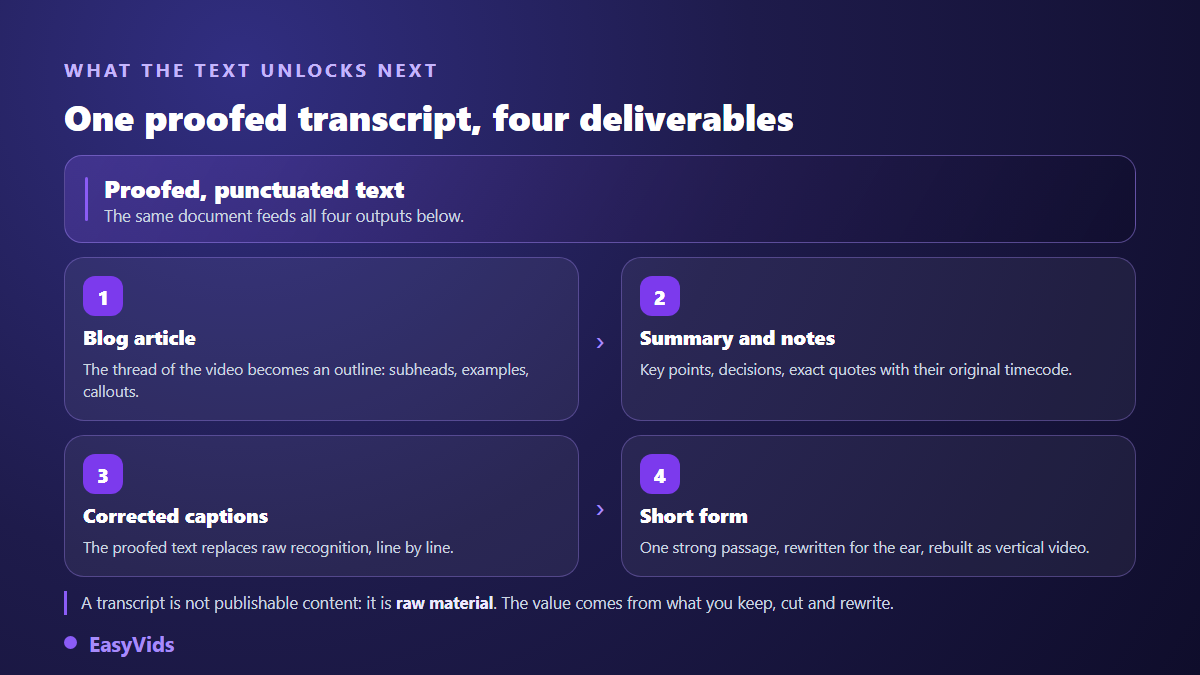
The strongest passage often makes a short video on its own. Rewrite it for the ear, keep the hook up front, then build the text into video, the chain described in our guide to turning written text into video. On content that is not yours, the rule holds: borrow an idea, never a wording.
Frequently asked questions
Can I get a YouTube transcript on a phone?
Yes, when the video has captions. In the mobile app the option sits in the description panel, under the video details. Copying stays easier on a computer, where the panel appears beside the player and selects in one gesture.
Why does the transcript not match what was said?
Because it comes from speech recognition, not a human typist. The YouTube help centre notes that automatic caption quality depends on background noise, pronunciation and recording care. Proper nouns and technical terms suffer first.
How do I get text from a video with no captions?
By transcribing a file you hold, or by asking the creator. Nothing can display a transcript the platform never produced, and tools promising otherwise work by downloading the video.
Can a transcript become a publishable article?
Yes, provided the content is yours or reused with permission. A cleaned transcript gives a solid outline and ready examples, but it still needs rewriting: speech circles its point, writing goes straight to it.
Getting the transcript of a YouTube video comes down to three habits: open the panel instead of replaying, strip the timestamps before pasting, and check proper nouns before quoting. For your own videos the logic runs the other way, since you transcribe in order to correct, caption and republish. Creating an account opens the editor and its subtitles panel, and the EasyVids studio keeps writing, voice, editing and export in one place.